

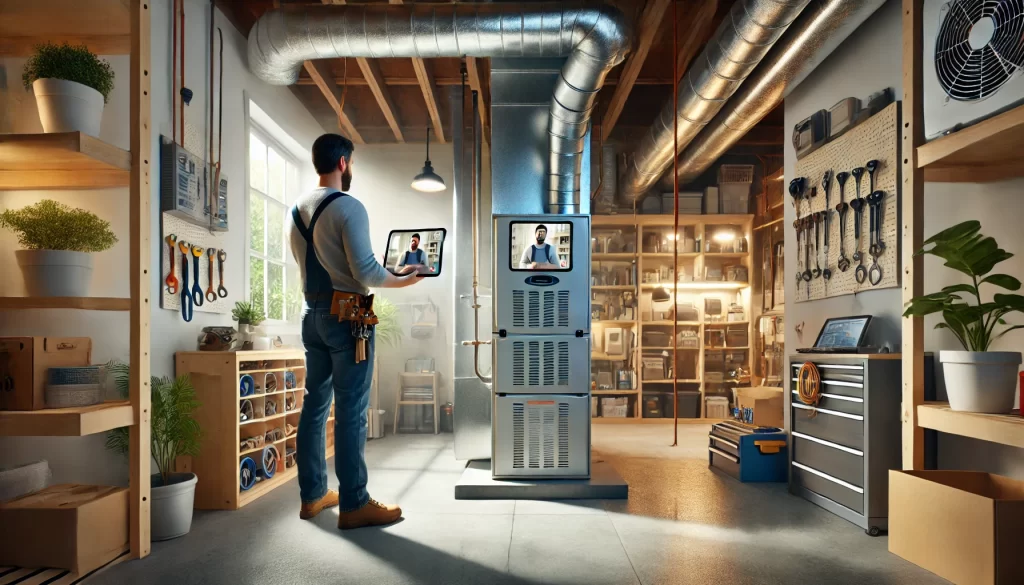
In the age of smart tech and remote everything, Virtual HVAC troubleshooting has become a game-changer for DIY homeowners. Whether your AC won’t kick on or your furnace sounds like a haunted house, you can now connect with a licensed HVAC pro—virtually—and often fix the problem without anyone stepping foot in your home.
Let’s explore how you can diagnose HVAC problems from your couch, save money on service calls, and even learn a few pro tricks along the way.
What Is Virtual HVAC Troubleshooting?
Virtual HVAC troubleshooting allows homeowners to connect with a licensed technician using a smartphone or tablet. Instead of waiting days for a service call, you hop on a video chat, show the tech your system, and get real-time help.
This approach is ideal for:
- Basic diagnostics
- Resetting or recalibrating thermostats
- Reviewing error codes
- Identifying clogged filters or drain lines
- Learning proper maintenance techniques
Plus, you avoid the trip fee and often resolve the issue in minutes.
When Should You Use It?
Sometimes you just need a second set of eyes. Here are scenarios where virtual support makes sense:
🔧 Your System Is Running, But Poorly
If the AC is blowing lukewarm air or the furnace is short cycling, a remote tech can walk you through system checks like:
- Verifying thermostat settings
- Inspecting airflow obstructions
- Checking refrigerant line temperatures
🚨 You’re Getting Error Codes
Modern HVAC systems often display error codes on the thermostat or control board. A tech can interpret them and guide your next step—reset or repair.
🧰 You’re DIY-Savvy But Need Backup
Sometimes you’ve done all the Googling you can stand. A virtual consult gives you personalized, guided support so you don’t make a costly mistake.
What You’ll Need Before Starting
To make the most of your virtual HVAC troubleshooting session, gather these essentials:
- A reliable smartphone or tablet with camera
- A flashlight (even your phone light works)
- Model and serial numbers of your HVAC unit
- Any visible error codes or blinking lights
- A flathead and Phillips screwdriver (just in case) – you can find these at www.menards.com if you don’t have.
And don’t forget to wear closed-toed shoes if you’re heading to the attic or basement!
How It Works (Step-by-Step)
- Book a session with a qualified HVAC tech or service provider.
- Join a video call using a link or app provided.
- Walk the tech through your setup, showing the thermostat, system, breakers, and vents.
- Follow their instructions—they might ask you to test voltage, reset a breaker, or remove a panel.
- Get a diagnosis and either a fix or next steps for in-person service.
Some services even email you a checklist or quote afterward.
Benefits of Going Virtual
Still wondering if it’s worth trying? Here’s why homeowners love it:
- Fast response—no waiting days for appointments
- Lower cost—many services are under $50
- Learn as you go—gain HVAC knowledge for future problems
- Ideal for remote areas—especially when HVAC pros are miles away
- Eco-friendly—fewer trucks on the road
Tips for a Smooth Virtual Call
📶 Check Your Wi-Fi First
Strong internet ensures the tech can see and hear you clearly. If your HVAC is in a dead zone, consider using mobile data.
🎥 Use Landscape Mode
Turn your phone sideways to give the tech a wider view of your system.
🧼 Clean Before the Call
Remove clutter around your furnace or air handler so nothing blocks your inspection.
Is This the Future of HVAC?
Absolutely. More homeowners are embracing virtual HVAC troubleshooting as the first step before booking a tech. It’s like having a pro in your pocket—ready to coach you through the fix.
While it won’t replace complex in-person repairs, it’s the perfect solution for quick checks, maintenance advice, and minor fixes.
And if you’re not already using smart thermostats or connected HVAC systems—this is the sign you’ve been waiting for.
Ready to try it out? Visit chilll.com and find more ways to master your home systems like a pro.